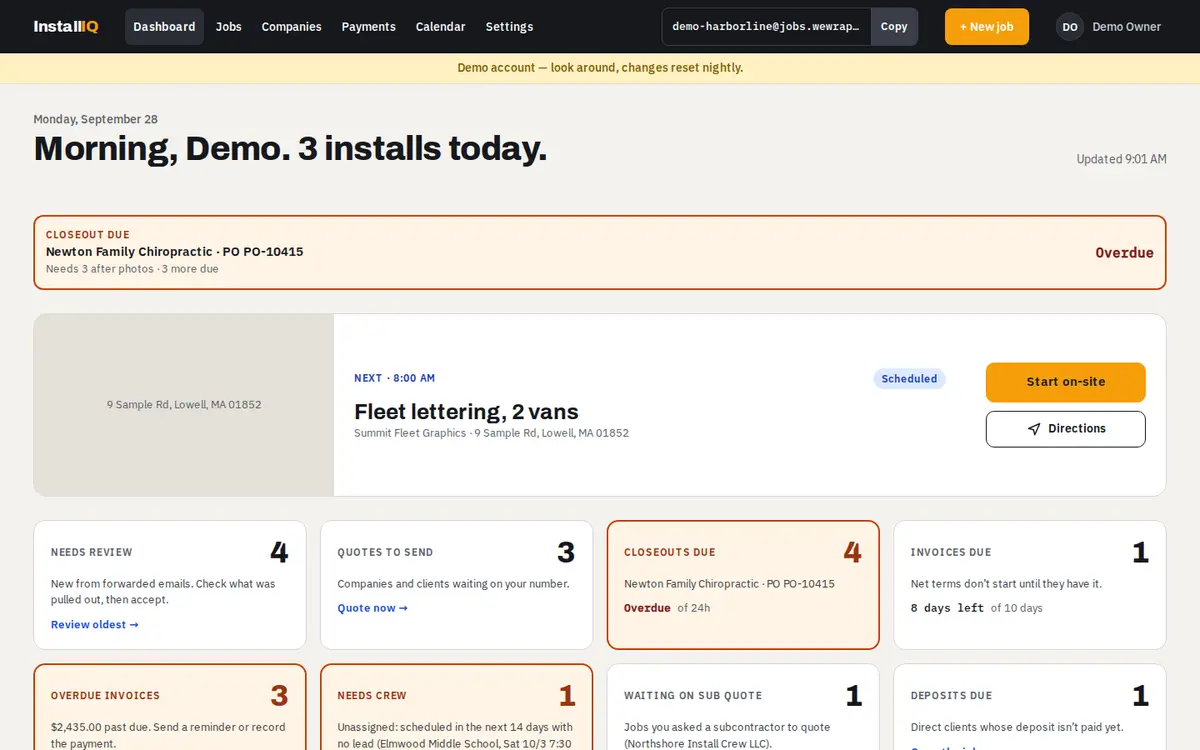
Today at a glance
Installs today, what's next, closeouts and invoices coming due, and what needs your review.
For sign, wrap and graphics installers
Forward the install request you already get. InstallIQ reads it, builds the job, and walks it through quote, install, closeout and invoice, so nothing waits on paper.
Free trial, no card needed.
The paperwork around them is what slips.
Details live in a PDF, an email thread and someone's truck. The crew shows up without the access notes.
Photos and signed forms come back days later, and the net terms don't start until the company has them.
Work is done, but the invoice sits until someone has time at night to type it up.
Send the install request to your own InstallIQ address.
Check what was read from the email and send a quote.
Schedule it, assign crew, and they get the job on their phone.
Photos, signatures and forms, captured on site.
One tap from the closeout to an invoice with your terms.
Record the payment and see what's still owed.
Installs today, what's next, closeouts and invoices coming due, and what needs your review.
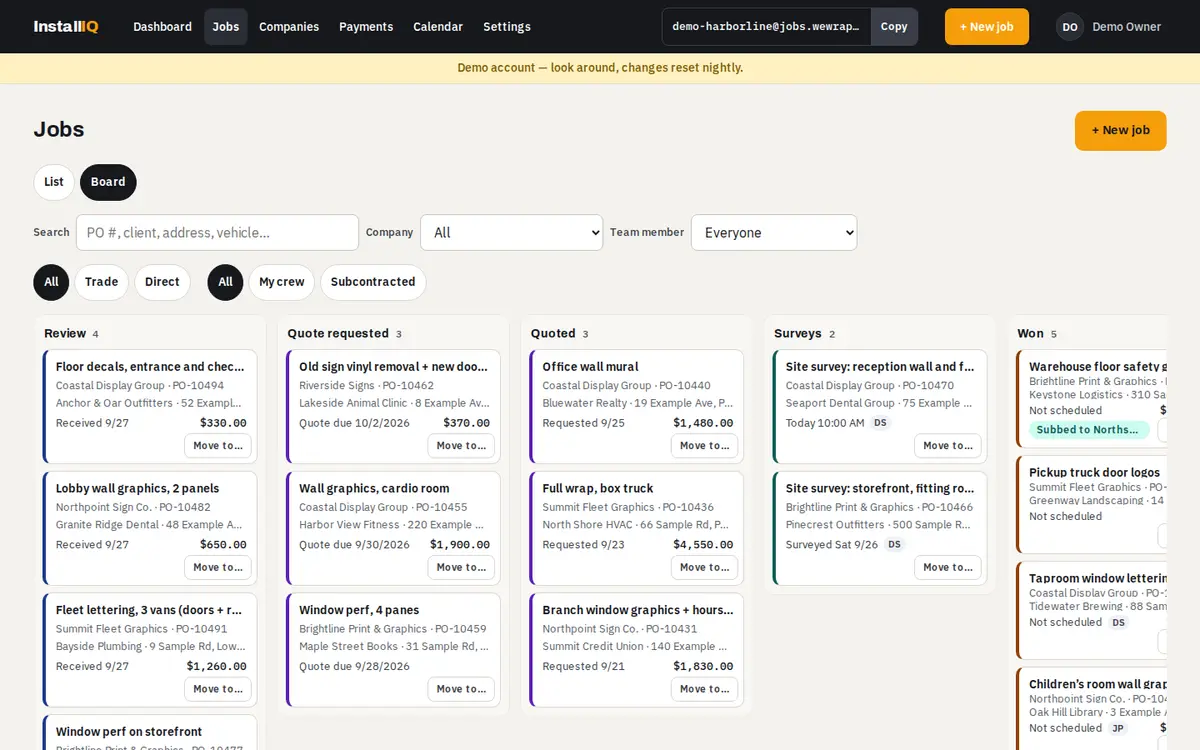
Drag jobs from review to paid, or switch to a list. Every move checks the same rules as the job page.
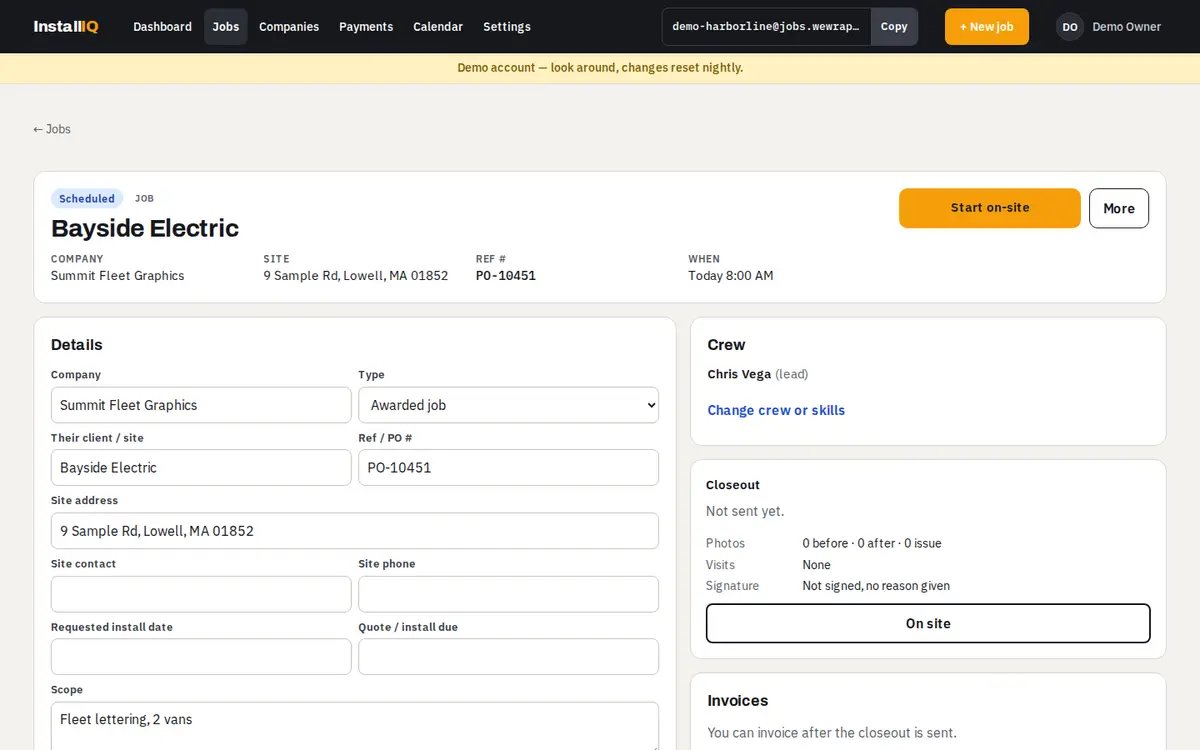
The original email and files, the quote, the crew, visits, forms and invoices, together.
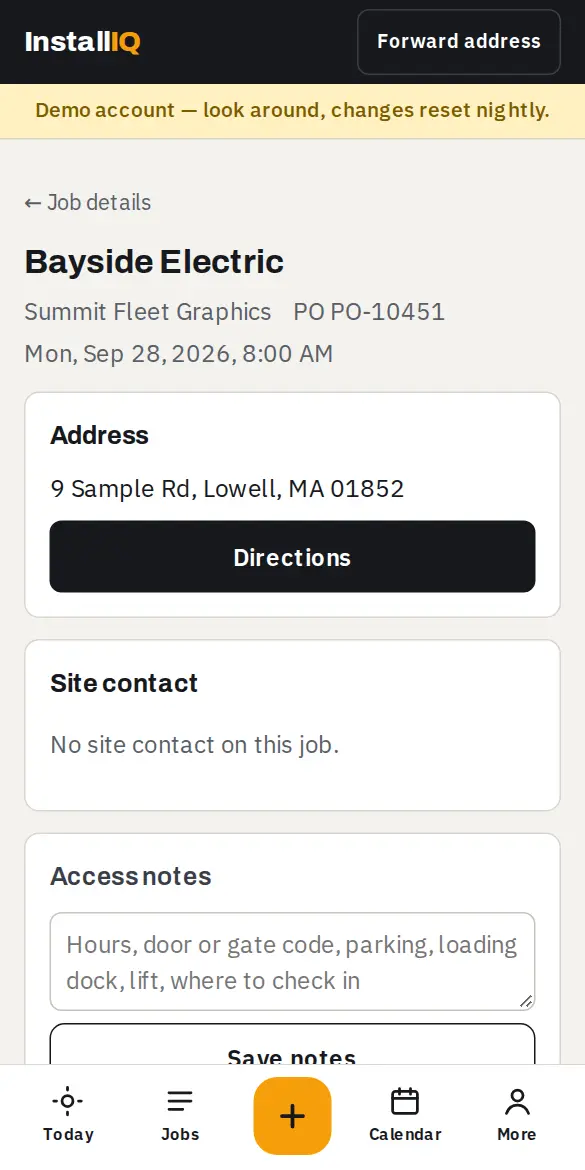
Directions, check-in, photos, signatures and the closeout checklist, built for one hand on a ladder.
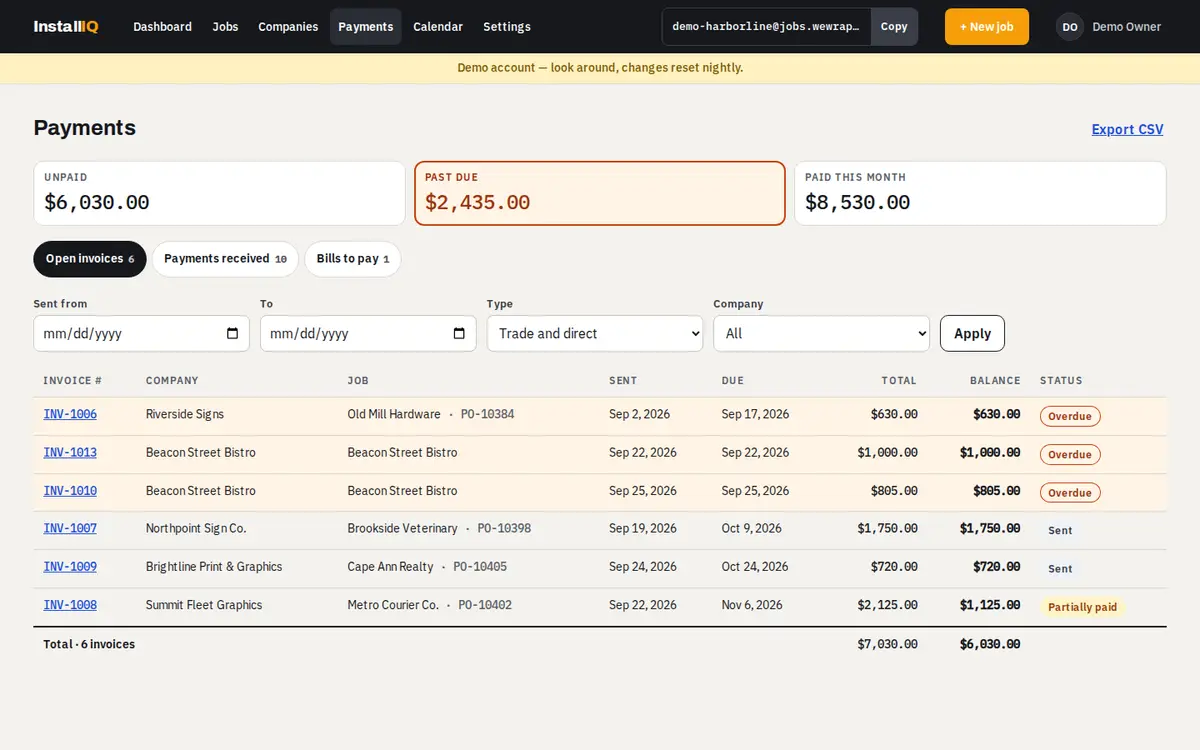
Open invoices, partial payments and what's past due, by company.
Most installers do both. InstallIQ keeps the rules for each.
Work from print shops and sign companies: their POs, their forms, their photo rules, and net terms on your invoice.
Your own customers: your approval form, deposits, and payment on your terms.
Crew see their own jobs, addresses and closeout steps. They never see prices.
Send a job to another installer. They see only what you share, under your name, never your customer's.
Office staff handle quotes, scheduling and invoices without access to team or business settings.
Install it on the home screen. Today's and tomorrow's jobs are kept on the phone, and check-ins, photos and signatures taken offline sync when the signal comes back.
No. Keep getting install requests the way you do now and forward them to your address.
The PO, client, site address and contact, dates, scope, sizes and materials, and the attached install sheets. You check it before anything goes out.
Yes. Add them as crew: they get their own jobs on their phone and never see prices.
Today's and tomorrow's jobs open offline, and what you do on site syncs when you're back online.
Yes. Export everything as a ZIP of spreadsheets and files at any time, or delete your account.
Choose a plan to keep going. If you don't, the account turns read-only and nothing is deleted.
Forward one install request and see what comes back.
Free trial, no card needed.